
Your company
- Payment confirmed
Welcome to TEACHIE!
Your TEACHIE access instructions are on their way to your inbox. Start with the Welcome module, then follow Getting Started to install TEACHIE.
- HOW TO ACCESS TEACHIE
1
Open the course access email in your inbox.
2
Follow the link and set up your login if prompted.
3
Sign in using the email address from your checkout.
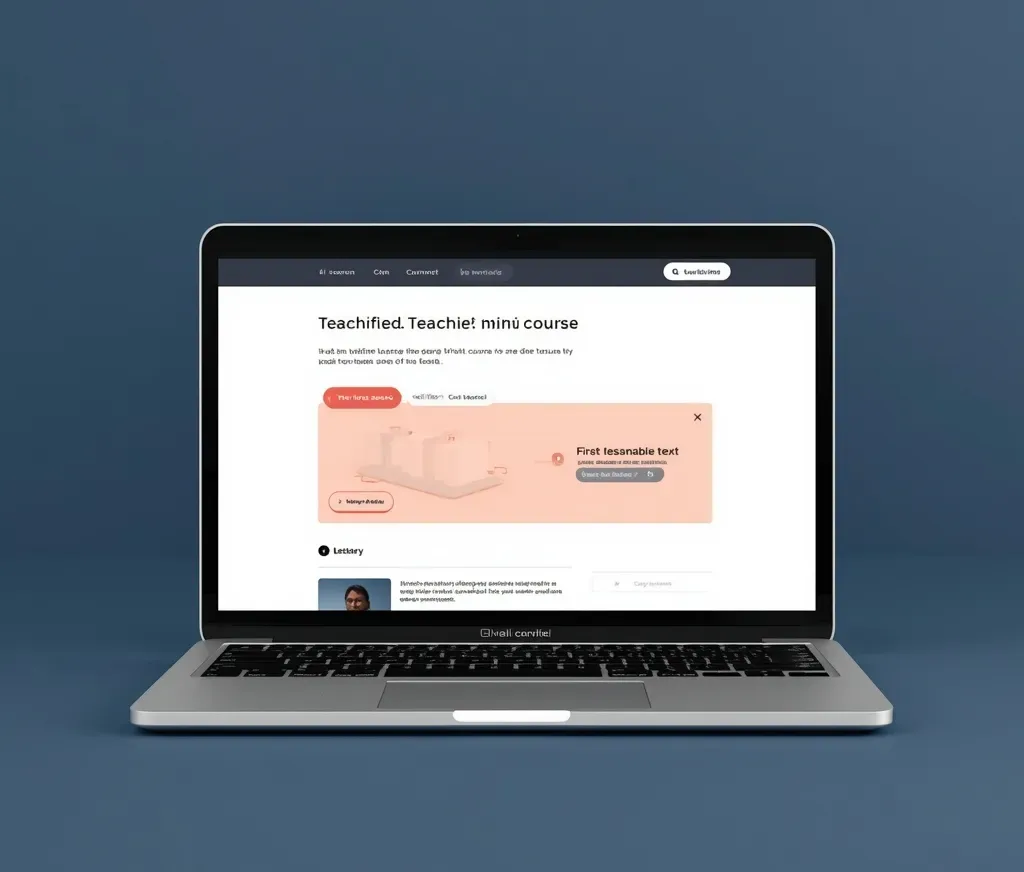
GET STARTED
Your next three steps
1
Open your mini-course
Begin with the Welcome module to understand what TEACHIE does and how to get the most from it.
2
Follow the setup guide
The Getting Started module walks you through installation. Set aside a few minutes when you're ready.
3
Try your first request
Ask TEACHIE for learning help or an Insight Report. Start with what matters most to your child.
Order details
Product
Price
Your receipt has been sent to your email.
Need a hand getting started?
If your email hasn't arrived, check your spam or promotions folder. For help, write to support@mycompany.com; for TEACHIE support, email katie@wholechildteacher.com and we'll reply as soon as possible.
© Your company